
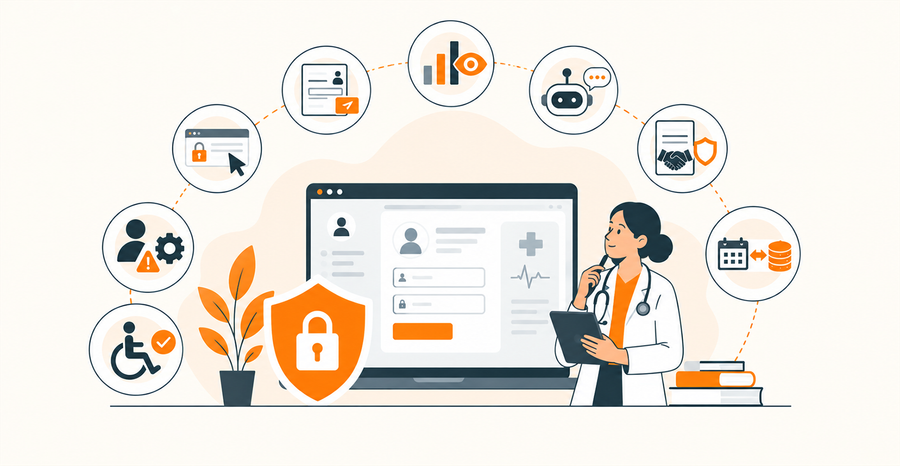

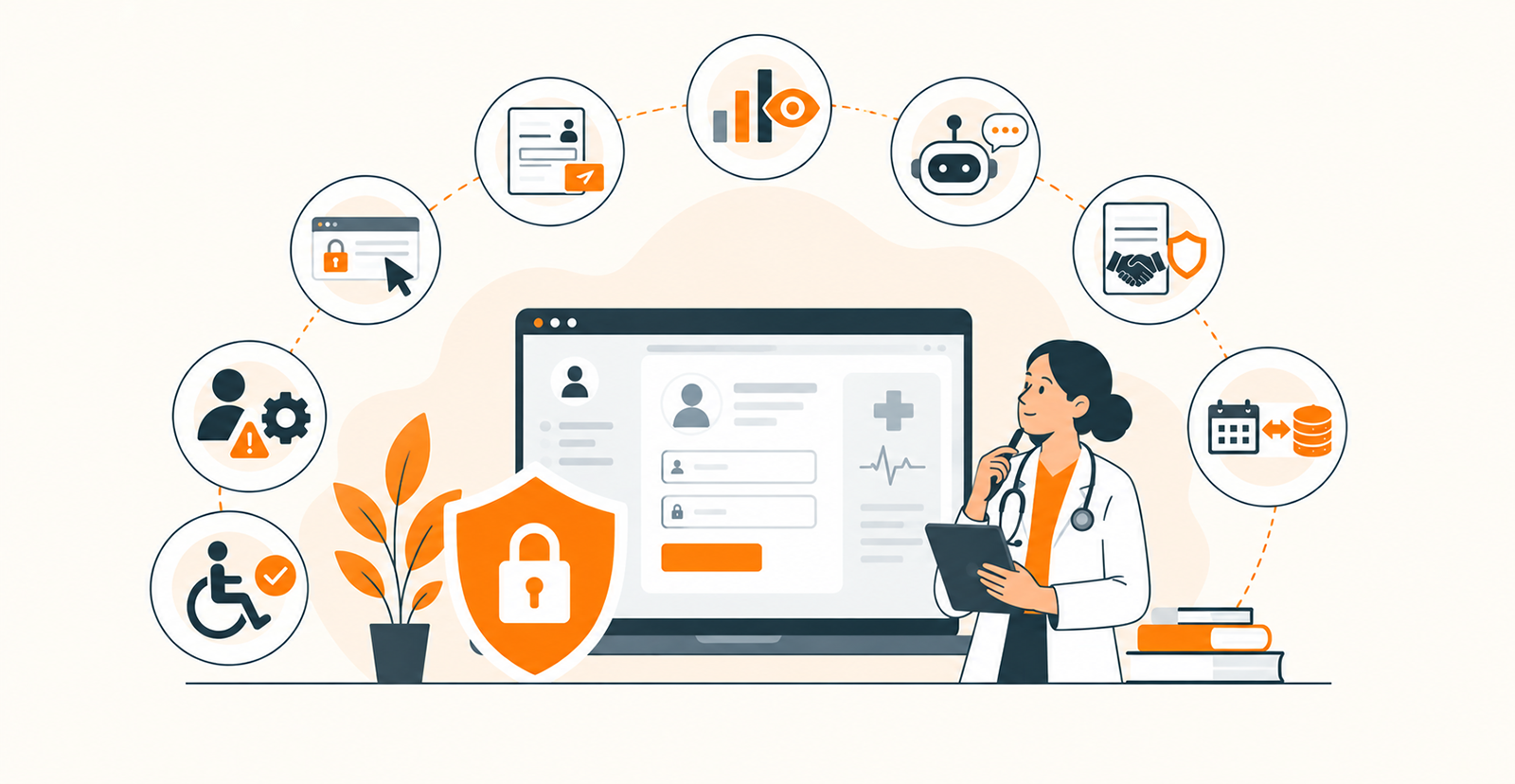
TLDR
- HTTPS protects the connection between the browser and server. It does not protect patient information once it reaches your systems, and it does not make your website HIPAA-compliant on its own.
- The most common HIPAA website mistakes are not technical failures. They are design decisions: open-ended contact forms that collect PHI unintentionally, analytics pixels tracking patient-facing pages, chatbots storing conversations without appropriate safeguards, and vendor integrations that pass PHI without Business Associate Agreements.
- Every third-party service that receives, processes, or stores PHI on behalf of your practice, including hosting providers, form tools, scheduling platforms, analytics services, and chatbots, may need to be evaluated for applicable BAA requirements.
- Accessibility and HIPAA compliance should be designed together, not treated as separate workstreams. Secure forms that are inaccessible to patients with disabilities still fail the people the website is supposed to serve.
- Maintaining a HIPAA-compliant healthcare website typically costs $300 to $700+ per month for a small to mid-size practice, covering security updates, monitoring, vulnerability testing, compliance reviews, and integration maintenance.
Most HIPAA violations on healthcare websites do not come from missing encryption or insecure hosting. They come from everyday design decisions that no one flags as compliance risks: a contact form with an open-ended “How can we help?” field, an analytics pixel firing on appointment confirmation pages, a chatbot that stores patient conversations on a third-party server, or a scheduling integration that passes PHI through an undocumented API.
HTTPS protects the connection between the browser and your server. It does not control where patient information goes after it reaches your systems, who can access it, or whether third-party services receive it without a Business Associate Agreement in place. This guide covers the 8 website design mistakes healthcare practices make most often, why each one creates HIPAA exposure, and how to address them before launch rather than after a regulatory inquiry.
For a broader overview of healthcare website design covering features, accessibility, patient experience, and SEO, read our blog on “Healthcare Website Design in 2026: The Complete Guide for Practices, Clinics, and Hospitals”.
What Makes A Healthcare Website HIPAA Compliant?
A healthcare website is HIPAA-compliant when it protects PHI (Protected Health Information) throughout its entire lifecycle, from collection and transmission to storage, access, and disposal. HIPAA applies to covered entities, including healthcare providers, health plans, and healthcare clearinghouses, as well as the business associates that handle PHI on their behalf.
Below, we have briefly mentioned the key considerations that define a healthcare website’s compliance with HIPAA regulations.
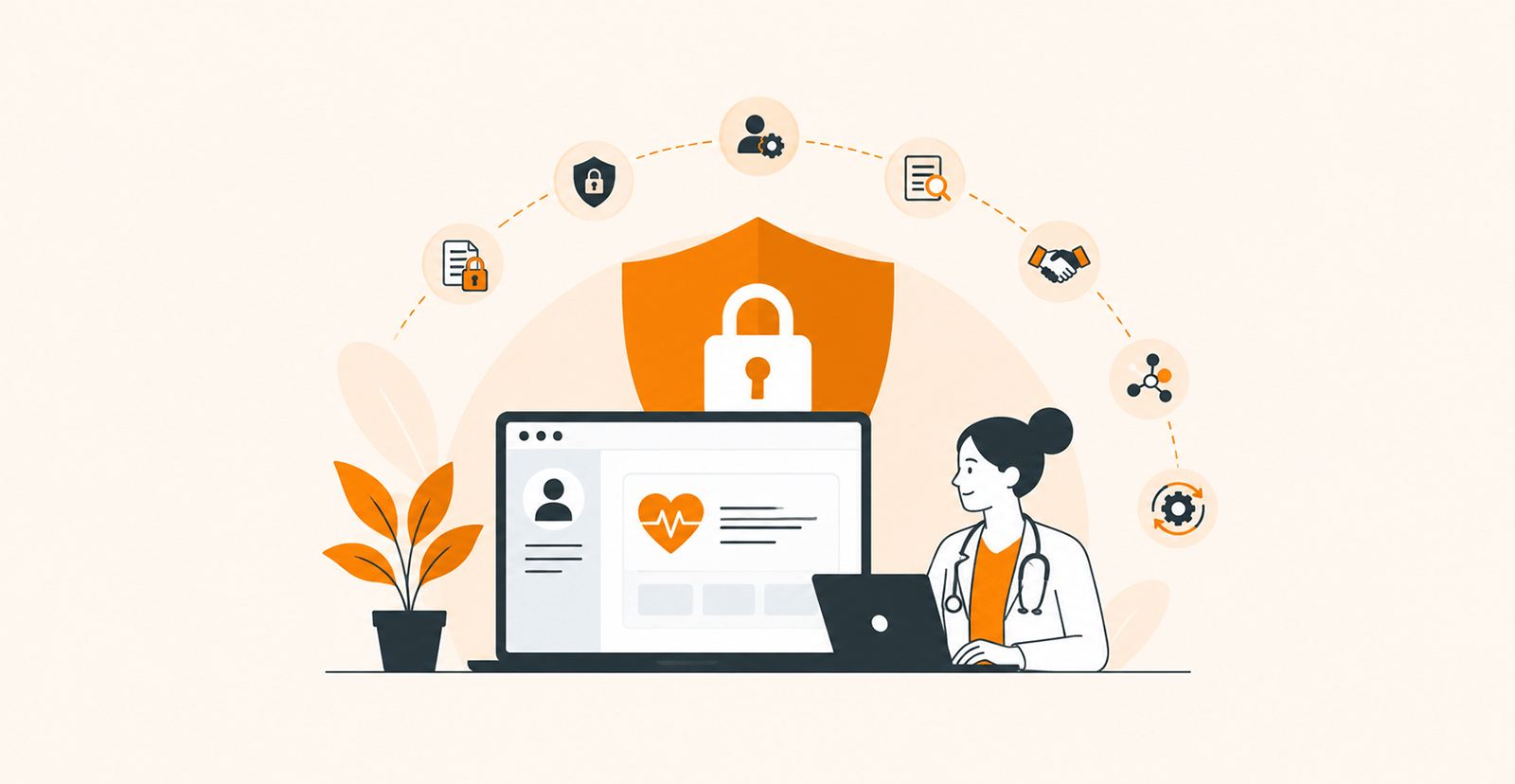
- Secure data collection: Forms, appointment requests, symptom checkers, and other tools collecting PHI must have appropriate safeguards for data privacy and security
- Encryption: PHI remains protected during transmission between the website and other connected systems, and also when the data is at rest
- Access controls: Only authorized users should be able to access systems containing PHI, with appropriate authentication and role-based permissions
- Audit controls: Systems must record and monitor relevant activities involving PHI
- Business Associate Agreements (BAAs): Covered entities must have appropriate agreements with vendors that handle PHI by themselves
- Secure integrations: Patient portals, EHRs, scheduling platforms, CRM systems, and APIs must be configured properly to protect PHI
- Ongoing risk management: Compliance must be maintained as vendors, integrations, software, and website functionality change
8 HIPAA Website Design Mistakes Practices Commonly Make
HIPAA problems rarely come from one obvious security failure. They often hide in everyday website decisions, like how forms collect patient information, what analytics track, which vendors retrieve data, or how integrations are configured. Since your healthcare website is the primary source of traffic for your organization, it’s important to know the mistakes that can put HIPAA compliance at stake.
1. Assuming HTTPS Makes Your Website HIPAA Compliant
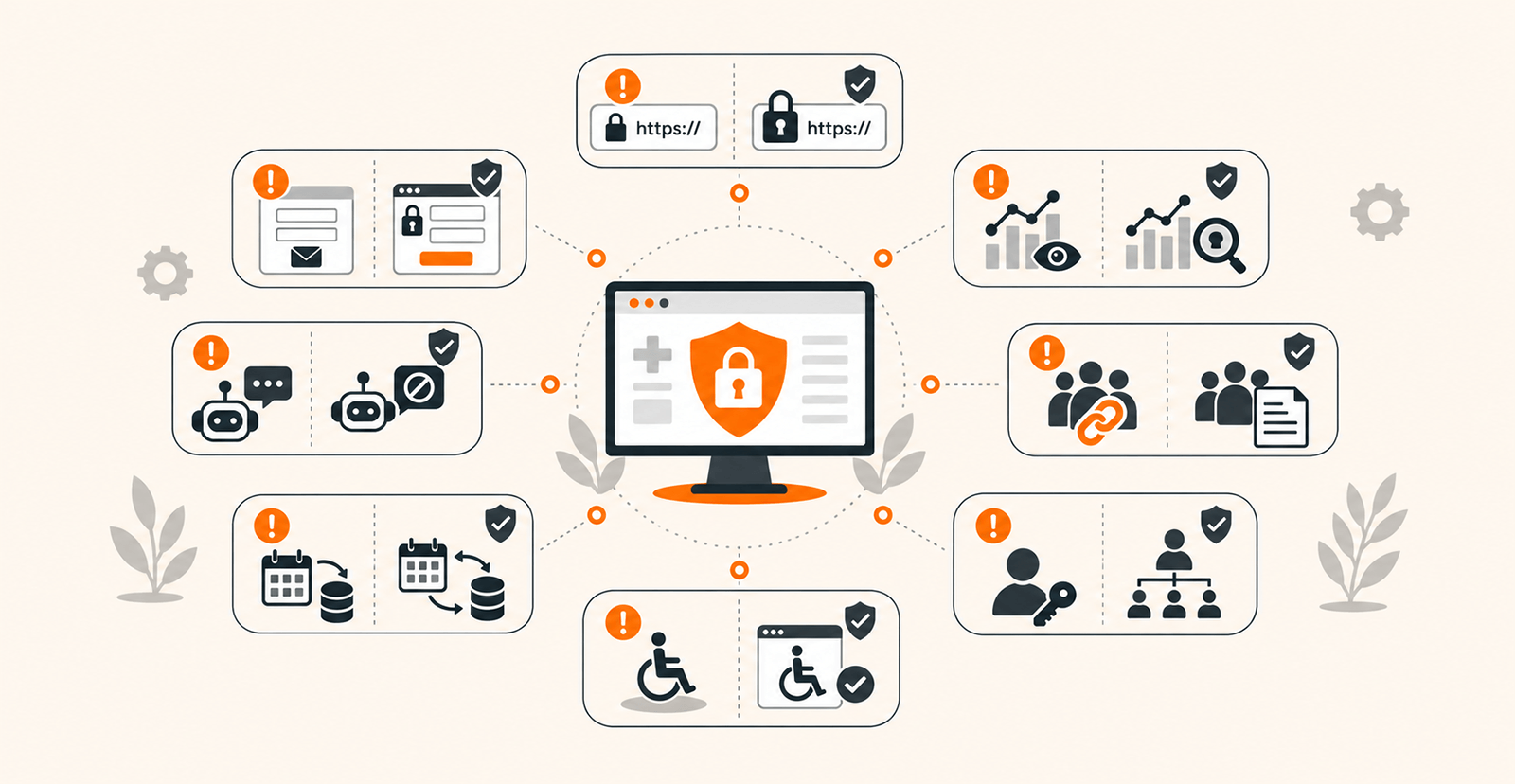
HTTPS protects the connection between the servers and your website, not the patient data flowing through it. When a patient submits information, HTTPS encrypts the connection only. But once that information reaches your systems, it doesn’t control where the data gets stored, who can access it, whether it is logged, or whether third-party services receive it. This is where most practices get HIPAA compliance wrong.
For example, an encrypted appointment form can still trigger a regulatory audit or create legal problems if submissions are stored in an unsecured database or automatically forwarded to an ordinary email inbox. The website may display the padlock icon, while PHI continues to move through poorly protected systems.
That’s why you should secure the entire PHI lifecycle, not just the connection. Review where information is collected, transmitted, stored, accessed, and deleted. Use appropriate encryption, authentication, access controls, audit controls, and secure storage. Make sure to evaluate every system thoroughly that touches the PHI. HTTPS should be the starting point, but not the core of your compliance strategy.
2. Sending Patient Information Through Standard Contact Forms
A “Contact Us” form can become a PHI collection point even when it doesn’t seem so from the outside. It usually happens when you ask your visitors to enter their name, phone number, email address, and “How can we help?”. The last field is where the risk appears strongly because a patient might end up describing a symptom, medication, diagnosis, or treatment history. After submission, the ordinary marketing form will become a channel carrying sensitive health information.
The problem takes a serious turn when you store submissions, send notifications by email, retain backups, or route information through other services. That's because you won't have the full picture of where PHI is flowing or who has access to the data.
The key here is to stop collecting PHI just like any other data. Remove open-ended fields when they are unnecessary, clearly separate general inquiries from clinical communication, and direct sensitive data to an appropriate secure patient channel. If your website has to collect PHI, use a form solution designed and configured for this purpose explicitly, review the data handling logic, and address applicable vendor relationships.
3. Installing Analytics Tools Without Checking What They Collect
Your analytics dashboard and advertising technologies help measure traffic, conversions, campaign performance, and user behavior. But they could also tell you more about the patients than you intended to collect in the first place. The problem is that these tracking tools capture more than page views. URLs, form interactions, identifiers, search terms, cookies, IP-related information, and other signals can potentially reveal or contribute to sensitive information depending on how your website is structured and how the technology behind it is configured.
A particularly risky setup is placing tracking technology on pages where patients enter or access health-related information. Sending those signals to an external analytics or advertising platform can create a data-sharing problem your marketing team never anticipated.
Common examples include Google Analytics tracking on patient portal login pages, Meta Pixel firing on appointment confirmation pages, session-recording tools like Hotjar capturing form interactions, and marketing automation platforms receiving page-visit data tied to identifiable users. HHS issued guidance in 2022 specifically addressing the risks of tracking technologies on healthcare websites, making this one of the most actively scrutinized areas of HIPAA enforcement.

The remediation starts with an actual tracking audit. What you have to do is inventory every analytics script, pixel, cookie, tag, and third-party SDK on the site only. Determine what each one collects, where the data goes, and whether it can be associated with an individual or health-related activity. Remove unnecessary tracking and carefully evaluate whether remaining technologies are appropriate for the pages and workflows where they operate.
4. Using Chatbots or AI Tools That Aren’t Set Up for HIPAA
Patients don’t know where your chatbot’s privacy boundary ends. Give a visitor an AI bot, and they may end up disclosing far more than you expected, like symptoms, medications, diagnoses, test results, or questions about a specific health condition. If the AI tool is built on a general-purpose service that stores conversations, uses them for other purposes, sends them to subprocessors, or lacks the required contractual and technical safeguards, you will end up with a new PHI exposure point.
The risk becomes significant because a third party can host the chatbot even though it appears as part of your website. That’s why it’s essential you define the AI tool’s data boundary before deploying it for real-world use. Decide whether it should handle any type of PHI at all.
If yes, evaluate the AI provider’s security controls, data retention, model training practices, subprocessors, access controls, and applicable BAA requirements. If the bot isn’t meant to handle PHI, design the conversation to avoid soliciting sensitive data and route clinical questions to an appropriate secure channel.
5. Choosing Vendors Without Checking for a Business Associate Agreement
Most often, your internal teams evaluate the EHRs while paying little attention to the form provider, cloud platform, scheduling system, hosting service, or other technology sitting behind the website. The vendor you barely think about may be the one handling your patient’s information. In that case, they qualify as a business associate as per the HIPAA regulations.
If you do not check the necessary BAAs, your healthcare website will automatically come under the radar, triggering a regulatory audit. So, you need to understand what information the vendor is receiving from your website, why it receives it, and how it protects the data. For this, conduct a detailed vendor review before you integrate their service or tool with your healthcare website.
Identify every third party that can receive or access PHI. Determine whether the relationship needs a BAA or not. Review what security practices and authentication protocols the vendor has implemented for PHI handling. Although a BAA acts as a contractual safeguard, it won’t make an otherwise inappropriate implementation HIPAA-compliant.
6. Connecting Third-Party Scheduling and EHR Tools Without Reviewing Data Flows
An integration can turn one website into a network of systems you are no longer tracking properly. Let’s consider a scenario where a patient clicks on the appointment booking button, enters information on your website, and moves into a scheduling platform. This will automatically write the appointment information into the EHR system connected with your website. Each handoff here will create another place where data can be transmitted, stored, authenticated, or accessed.
Without mapping these flows, you may end up overlooking questions that matter, like the fields that are being transferred or the authentication for the API being used. So, you should document every system involved, the information exchanged, the transmission channels, storage locations, user permissions, and third-party access.
Once this is in place, focus on minimizing the data being transferred and implement appropriate authentication, encryption, access controls, and logging. This will help you ensure that the seamless patient experience you plan to deliver doesn't depend on data flows no one has documented.
7. Treating Accessibility and HIPAA Compliance as Separate Concerns
A healthcare website can protect patient information, and at the same time, it can create unnecessary difficulties for visitors in terms of usability. Consider a secure appointment form that relies on color alone to communicate errors. It can have unlabeled fields that screen readers cannot interpret or use an authentication process that patients with disabilities struggle to complete. Security controls that create inaccessible workflows often prevent patients from reaching the services your website is supposed to provide.
The mistake here is you treating accessibility as a visual polish exercise that happens after the security architecture is finished. That’s why privacy, security, and accessibility should be designed together. Start by building forms with clear labels and error messages. Ensure keyboard and assistive-technology compatibility and offer accessible authentication workflows. In addition, prevent collecting information from every data point just because the field is available.
8. Forgetting About Website Administration and Internal Access
Your patients aren’t the only ones who can expose sensitive information. Rather, the website accounts can become entry points that you may not realize until it's too late. Developers, administrators, marketers, IT staff, and external agencies need access to your website and the data it stores and handles. Giving everyone administrative privileges, sharing credentials, leaving former employees’ accounts active, or allowing vendors to retain unnecessary access will raise security concerns.
The danger is not limited to someone intentionally viewing PHI. A compromised administrator account will allow an attacker to access the connected systems, databases, integrations, and credentials easily. That’s why you should give each person a unique account, use role-based permissions, enforce strong authentication and MFA, remove access promptly when someone leaves or changes roles, and review privileged accounts regularly.
Why HIPAA-Compliant Website Design Matters Beyond Compliance
The mistakes described in this guide aren’t just regulatory risks. They create real operational problems. Improperly configured forms generate PHI exposure points your team can't track. Unreviewed vendors create data-sharing pathways you don't control. Excessive staff access turns a compromised account into a system-wide vulnerability.
Addressing these issues during design, not after launch, gives your practice stronger control over where PHI flows, fewer unnecessary collection points, clearer vendor relationships, and a digital experience patients can trust with sensitive information. The compliance benefit follows naturally when the architecture is right.
HIPAA Website Design Checklist Before You Launch
Before launching a healthcare website, an end-to-end review of how the site handles PHI is essential. The checklist below covers the key areas to evaluate. It is not a substitute for legal counsel or a formal HIPAA risk assessment, but it can help identify common gaps before they become compliance problems.

- Review every PHI collection point: Check contact forms, appointment requests, intake forms, chats, surveys, and other interactive features present on your website. Remove unnecessary questions and make sure sensitive healthcare information is collected only through secure channels.
- Secure patient submissions and storage: Confirm that PHI is not being sent through ordinary emails, stored in unsecured databases or CMS fields, or included in website notifications. Test where submitted information goes after a patient clicks on the “Submit” button.
- Audit every third-party service: Review analytics platforms, tracking pixels, chatbots, scheduling tools, CRMs, hosting providers, cloud services, and other integrations. Determine what information each service receives, processes, or stores.
- Confirm vendor and BAA requirements: Identify vendors that handle PHI on your behalf. Verify whether each relationship requires a Business Associate Agreement, and confirm that the vendor’s actual configuration matches the intended use.
- Review user access and security controls: Test staff permissions, administrator accounts, authentication, encryption, session management, logging, backups, and other applicable safeguards. Remove inactive accounts and make sure employees only have access their roles require.
Conclusion
HIPAA-compliant website design is not defined by a padlock icon or a secure hosting plan. It depends on how deliberately the entire digital experience handles PHI, whether it’s through forms, analytics, chatbots, vendors, integrations, or staff access. The biggest risks often come from everyday website decisions that go unnoticed. By identifying those weak points before launch, limiting unnecessary data collection, securing patient interactions, and reviewing third-party services, you can reduce compliance risks while building a safer, more trustworthy digital experience for patients.
Building a HIPAA-Compliant Healthcare Website? Start With Quixta
Quixta combines healthcare-focused UX, secure development practices, and integration expertise to build websites designed around the realities of handling patient information. If your practice needs a website that accounts for PHI workflows, vendor relationships, and compliance requirements from day one, we can help you scope and build it.
FAQs
The HIPAA Breach Notification Rule determines what a healthcare organization must do when unsecured PHI is improperly accessed, acquired, disclosed, or used. For websites, that could involve a compromised patient form, exposed database, hacked administrator account, or third-party services that leak PHI. If a reportable breach occurs, you are required to notify affected individuals without unreasonable delay and no later than 60 days after discovery, and to report the breach to HHS. For breaches affecting 500 or more individuals, media notification may also be required.
Yes, a WordPress website can support HIPAA-compliant website design, but installing WordPress on a secure server does not automatically make it compliant. The entire implementation has to be assessed, including hosting, plugins, forms, databases, user accounts, backups, integrations, and third-party services. For example, your healthcare organization could have secure hosting but undermine that setup by installing a plugin that sends patient-submitted information to an external service. So, you should carefully select and configure different components of this CMS tool so that the website can be managed around HIPAA requirements.
No. A privacy policy explains how a practice says it handles information. However, HIPAA compliance depends on whether the practice actually follows appropriate privacy and security practices or not. A website can have an excellent privacy policy. At the same time, it could send PHI through unsecured email, give excessive administrative access, use inappropriate tracking technology, or transmit information to vendors without appropriate agreements. The policy should therefore reflect the website’s real data practices. It cannot substitute for safeguards, risk management, workforce controls, vendor oversight, and appropriate technical protections.
Healthcare organizations should not assume that advertising pixels are safe to deploy across patient-facing pages. A tracking pixel can send information about a user’s interaction with a healthcare website to an external platform. Depending on the circumstances, the shared information could contain PHI. That’s why you should examine what the pixel collects, which pages it operates on, what information accompanies the request, and where data is sent.
Yes. HIPAA does not stop applying because a patient accesses the website from a mobile device. The same requirements around PHI, authentication, access, transmission, and security will still be applicable. However, mobile use often introduces additional design considerations. Patient portals and secure forms need appropriately managed sessions. Sensitive information should not be unnecessarily exposed in the interface. Authentication should work securely on small devices. In addition, you should test the actual mobile patient journey rather than assuming that making a desktop website responsive automatically preserves its security controls.
There is no specific moment when a website visitor suddenly becomes a “HIPAA patient”. HIPAA protection depends on the information and the entity handling it, not simply on whether someone has formally become a patient. For example, an identifiable person requesting healthcare services may provide information that qualifies as PHI even before their first appointment. This is why you should not design your website around the assumption that only existing patients create regulated information.
PII is the information that can identify an individual, while PHI is individually identifiable health information connected to healthcare-related circumstances and handled by a HIPAA-covered entity or business associate. A visitor’s name and email address are classified as PII. However, if the person’s name is connected with an appointment, diagnosis, treatment inquiry, or other healthcare information held by a practice, it becomes PHI.
Maintaining a HIPAA-compliant healthcare website can cost $300-$700 per month or more for a small to mid-size practice, depending on hosting requirements, integration complexity, and the scope of ongoing security and compliance work. This is higher than standard website maintenance costs because the budget covers HIPAA-appropriate hosting, security updates, backups, monitoring, vulnerability testing, compliance reviews, and maintenance of healthcare integrations. More complex websites with patient portals, EHR integrations, multiple locations, or extensive PHI workflows can exceed this range.
Budget for more than domain renewal, hosting, and routine development. HIPAA-related website costs continue after launch because the technology and risk environment continue to change. Recurring expenses can include security testing, vulnerability remediation, software and plugin updates, backup management, access controls, compliance assessments, and maintenance of EHR or scheduling integrations. A new third-party tool can also create additional review or implementation expenses.
Cloud hosting does not automatically make a healthcare website HIPAA compliant. If a cloud provider handles PHI on behalf of a covered entity or business associate, the relationship may require a Business Associate Agreement. However, the practice will remain responsible for how its own environment is configured and used. Permissions, encryption, backups, authentication, logging, storage, and network controls still need to be addressed.
