


Businesses often choose a Webflow template based on visual appeal, only to discover later that it can't support their growth. Poor class structures, limited component reusability, slow performance, and missing documentation lead to expensive redesigns as the project scales.
A good free cloneable Webflow template should do more than look modern. It should offer clean architecture, reusable patterns, and a foundation that doesn't need to be torn apart the moment real content goes in.
That's why selecting the right Webflow cloneable template from the start is critical. In this guide, we've curated the best free cloneable Webflow templates and starter projects that combine practical architecture with the flexibility needed to scale your business confidently.
Quick Comparison Table
Template Name | Best For | Pages / CMS | Style | Price |
Relume Style Guide | Teams building with Relume AI | Design system foundation; no pages | Enterprise | Free |
Client First x Lumos | Developers adopting Webflow Variables | Framework starter; no pages | Minimal | Free |
Client-First Cloneable | Agencies and freelancers needing a standardized starter | Framework starter; no pages | Minimal | Free |
Cloneable Start-up Template | Startup and product launch landing pages | Single landing page; no CMS | Modern | Free |
Webflow Path One | Beginners learning Webflow fundamentals | Multi-page learning project; no CMS | Minimal | Free |
Free Grid Design Template | Editorial and magazine-style websites | CMS-powered grid layout | Editorial | Free |
Intro Splitscreen Scroll Animation | Creative portfolios and agency hero sections | Single-page animation demo | Bold | Free |
YrPortfolio | Freelancers and creative professionals | One-page portfolio; no CMS | Minimal | Free |
Stryker Beds | B2B product showcases and spec-heavy landing pages | Product landing page; no CMS | Enterprise | Free |
SION | Product launches needing interactive storytelling | Single-product website; no CMS | Bold | Free |
The 10 Best Cloneable Webflow Templates
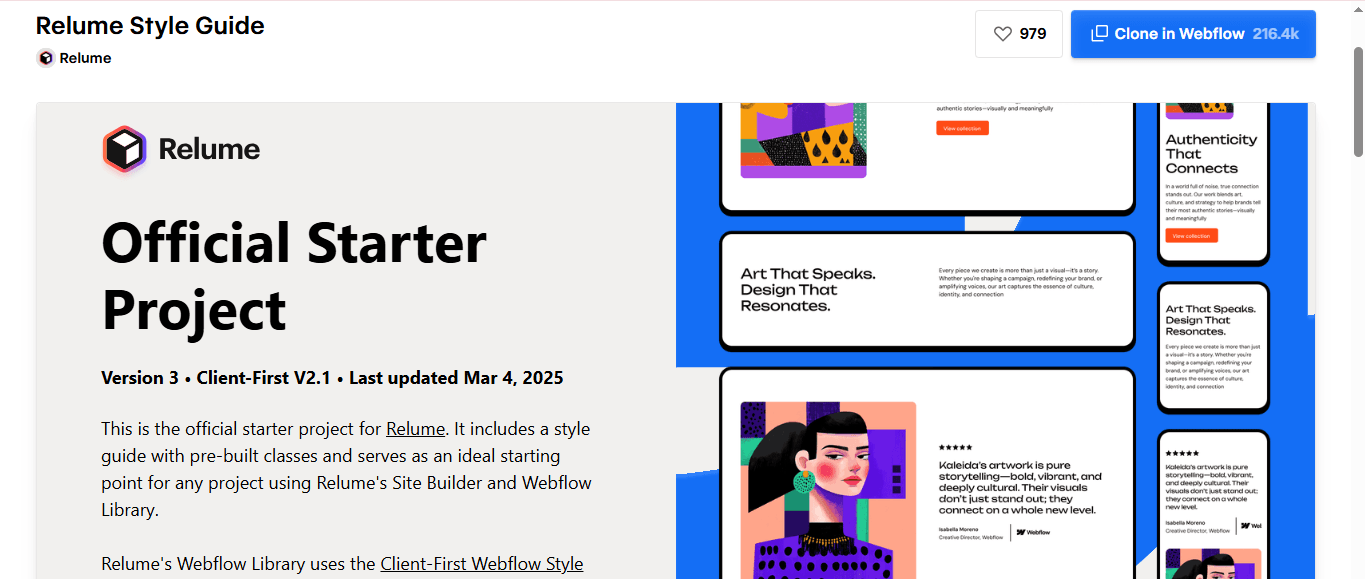
Relume style guide
The Relume Style Guide is the official starter cloneable for the entire Relume ecosystem, especially built for teams using the Relume AI Site Builder and Relume Webflow App. It doesn’t ship with homepage layouts or demo-styled content. Instead, it provides the exact Client-First classes, global styles, variables, and utility structures required to import AI-generated sitemaps and wireframes into Webflow. The latest v3 version is specially designed for the new Relume import workflow. Thus, existing classes have now become reusable, and teams won’t have to generate duplicate styling.
Why does it stand out?
- Official starter project recommended for every Relume-powered Webflow build
- Supports direct import of AI-generated sitemaps, wireframes, pages, and global styles
- Uses the Client-First class structure required by the Relume Webflow App
Best for: Agencies, SaaS teams, and freelancers building custom Webflow sites with Relume AI
Key features: Client-First architecture, pre-built global classes, design variables, typography styles, utility classes, and Relume Webflow App compatibility
Limitations: As it’s not a complete website template, professionals will have to import Relume-generated pages or build layouts manually
Use case: Ideal if the workflow starts in Relume AI and ends in Webflow, eliminating the need to recreate wireframes or reorganize imported classes
Client First X Lumos (Webflow Variables)
The Client First X Lumos (Webflow Variables) cloneable combines two popular Webflow development approaches into a single starter project. It retains the familiar Finsweet Client-First class naming system, while incorporating Lumos-inspired features, including Webflow Variables, fluid sizing, and design tokens. Instead of manually updating typography, spacing, or colors across multiple classes, businesses can manage them through centralized variables.
Why does it stand out?
- Blends Client-First naming conventions with Lumos-style variables instead of forcing a complete framework switch
- Uses centralized variables for typography, colors, and spacing to reduce repetitive style updates
- Ideal stepping stone for teams transitioning from Client-First projects to variable-based workflows
Best for: Existing Client-First users planning to adopt Webflow variables
Key features: Client-First class structure, Webflow Variables, fluid sizing, reusable utility classes, scalable design tokens
Limitations: It’s primarily a development framework and doesn’t come with ready-made pages or CMS content
Use case: Perfect for agencies maintaining multiple Client-First websites while planning to gradually introduce Webflow Variables into new projects
.png&w=3840&q=100)
Client-First Cloneable (Finsweet)
The Client-First Cloneable by Finsweet is the reference implementation of the Client-First methodology used by thousands of Webflow professionals. Instead of focusing solely on visual design, it establishes a standardized class-naming system, spacing conventions, utility classes, and page structure to enable easy scaling and handovers. Every section is documented to encourage consistent development practices, thereby reducing confusion that often arises when multiple engineers work on the same project.
Why does it stand out?
- Created by Finsweet, the team behind the original client-first methodology
- Prioritizes maintainability and predictable class organization over visual templates
- Includes documentation-friendly conventions to simplify collaborations between teams
Best for: Agencies, enterprise teams, and freelance Webflow developers
Key features: Client-First class system, utility classes, semantic structure, scalable spacing conventions, reusable global styles
Limitations: If you are expecting a polished marketing website using this template, you will have to build layouts and content by yourself
Use case: Perfect as a standardized starting point for client projects where multiple teams will design, develop, and maintain the website over time
.png&w=3840&q=100)
Cloneable Start-up Template (CLONE): Flowbase
The Cloneable Start-up Template (CLONE) from Flowbase is designed as a reusable marketing foundation rather than a polished niche website. Instead of filling the project with branded assets or opinionated design choices, Flowbase intentionally keeps the layout neutral. This is why the template can be easily repurposed for SaaS products, mobile apps, AI startups, or software businesses. One of the biggest strengths is the clean class naming and logical page structure. Users can copy individual sections, from navigation to hero and testimonials, into existing Webflow projects without spending time reorganizing styles.
Why does it stand out?
- Built with a modular section structure so that individual blocks can be copied into other Webflow projects
- Uses clear, consistently named classes, making customization easier
- Deliberately avoids heavy branding, thereby giving teams a neutral base instead of a template tied to a specific industry
Best for: SaaS founders, AI startups, product launches, and freelancers building MVP websites
Key features: Modular landing page sections, responsive layouts, reusable navigation, organized class structure, and production-ready marketing components
Limitations: Focuses on a single marketing landing page and doesn't include advanced CMS, blog, or documentation functionality
Use case: Ideal when you need to launch a professional startup landing page quickly or copy well-designed sections into an existing Webflow project instead without a complete redesign
%2520Flowbase.png&w=3840&q=100)
Webflow Path One
The Webflow Path One is a cloneable educational project that allows users to learn the fundamentals of building in Webflow, rather than serving as a professional business template. It doesn't offer a ready-made website. Instead, it demonstrates how common layouts, spacing, responsive design, and reusable components are structured inside the Designer. This makes it most valuable for beginners who want to understand why a page is built a certain way. In addition, users can also explore the Navigator, class structure, and section hierarchy to understand Webflow’s visual development workflow.
Why does it stand out?
- Designed to teach Webflow’s building workflow instead of acting as a finished website template
- Encourages users to inspect layouts, class structures, and responsive breakpoints while cloning
- Provides a clean, distraction-free project that’s easy to extend into custom websites
Best for: Beginners learning Webflow, students, and freelancers creating their first custom project
Key features: Responsive page structure, reusable sections, organized class hierarchy, clean layout, and beginner-friendly project organization
Limitations: Focuses solely on teaching Webflow fundamentals rather than offering advanced CMS functionality, interactions, or production-ready business pages
Use case: Best for designers transitioning from Figma to Webflow and who want to learn the workings of layouts, classes, and responsive elements within the visual development studio
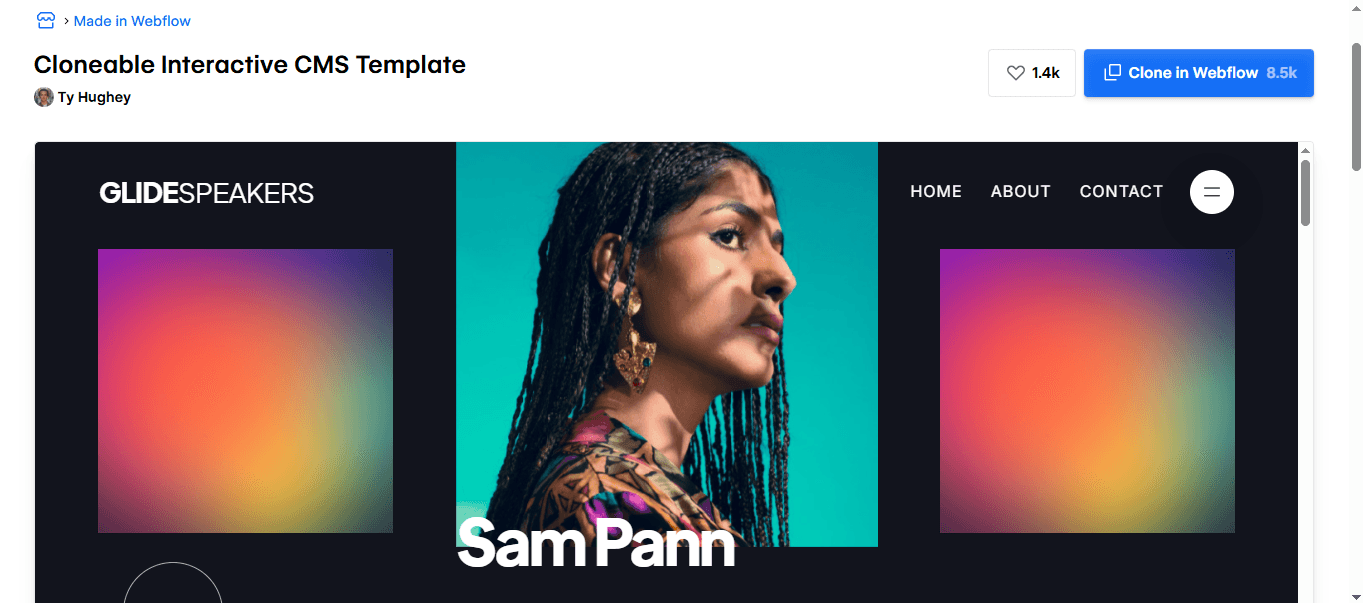
Free Grid Design Template (CMS Ready)
Designed by Jonas Arleth, the Free Grid Design template demonstrates an unconventional way of building editorial-style page layouts using CSS Grid and multiple Webflow CMS Collection Lists. It draws inspiration from the journal page of Vita Architecture, placing individual CMS items into separate grid-like cells. This creates an asymmetrical magazine layout instead of a standard blog feed. In addition, the project also highlights a fluid design system, allowing the grid to scale smoothly on large desktop screens without relying on fixed breakpoints.
Why does it stand out?
- Uses multiple one-item CMS Collection Lists to create an editorial grid instead of a conventional post listing
- Demonstrates a fluid scaling system with custom CMS to enable smoother desktop responsiveness
- Recreates a real-world architectural journal layout to teach about advanced CSS Grid implementation
Best for: Editorial websites, architecture studios, design portfolios, magazines, and content-rich blogs
Key features: CSS Grid layout, CMS-ready structure, fluid responsive design, custom CSS scaling, modular Collection Lists, editorial-style content presentation
Limitations: The asymmetric grid requires careful CMS configuration when compared to traditional blog templates
Use case: Ideal for designers and agencies building premium editorial-styled websites where visual storytelling and dynamic content layouts are the key performance drivers
.png&w=3840&q=100)
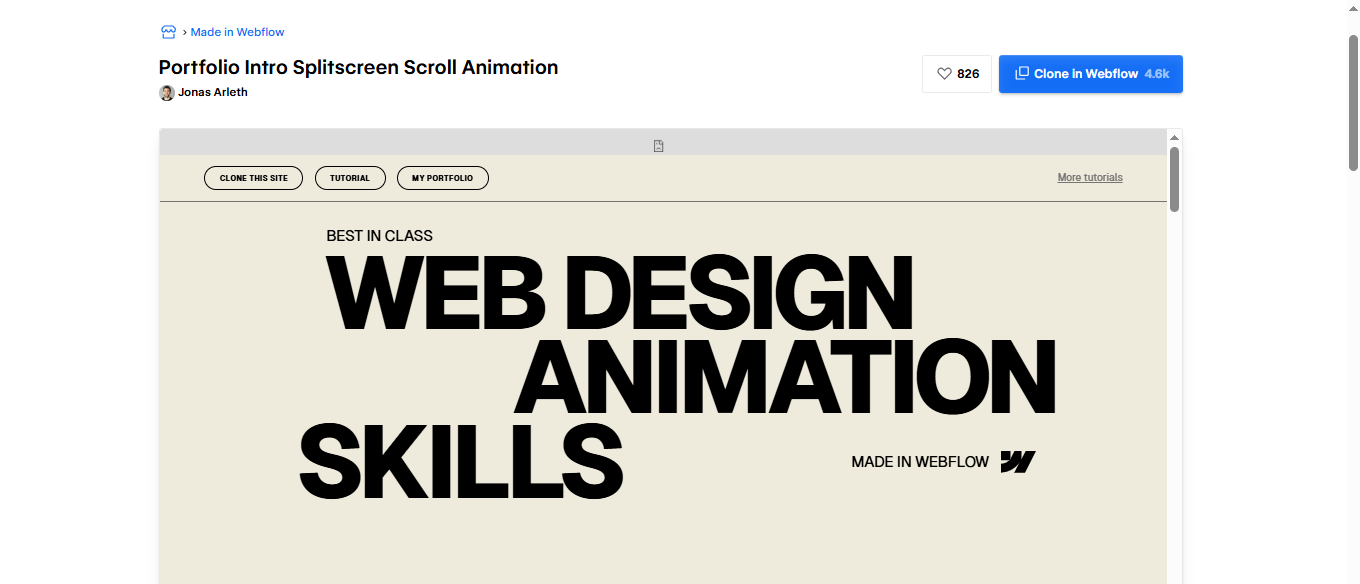
Intro Splitscreen Scroll Animation
The Intro Splitscreen Scroll Animation is a motion-focused, cloneable template that recreates a premium portfolio hero using masked text, split-screen transitions, and scroll-driven animations. Instead of relying on standard fade or slide effects, it synchronizes text movement, background color transitions, and layered masking. The result is a cinematic introduction that responds seamlessly to scrolling. It's also accompanied by a step-by-step tutorial explaining how each interaction is built.
Why does it stand out?
- Combines split-screen layouts, masked typography, and synchronized scroll animations into a single interactive hero
- Includes a detailed tutorial explaining the animation logic, optimization techniques, and interaction setups
- Achieves sophisticated motion effects using Webflow interactions without requiring external animation libraries
Best for: Creative portfolios, design studios, digital agencies, and premium brand websites
Key features: Split-screen hero, masked text animation, scroll-triggered transitions, animated typography, background color changes, responsive layout
Limitations: Designed as a hero animation rather than a complete website, which is why additional pages and CMS capabilities will have to be incorporated separately
Use case: Perfect for creative agencies and designers planning to make a strong first impression with an immersive portfolio introduction
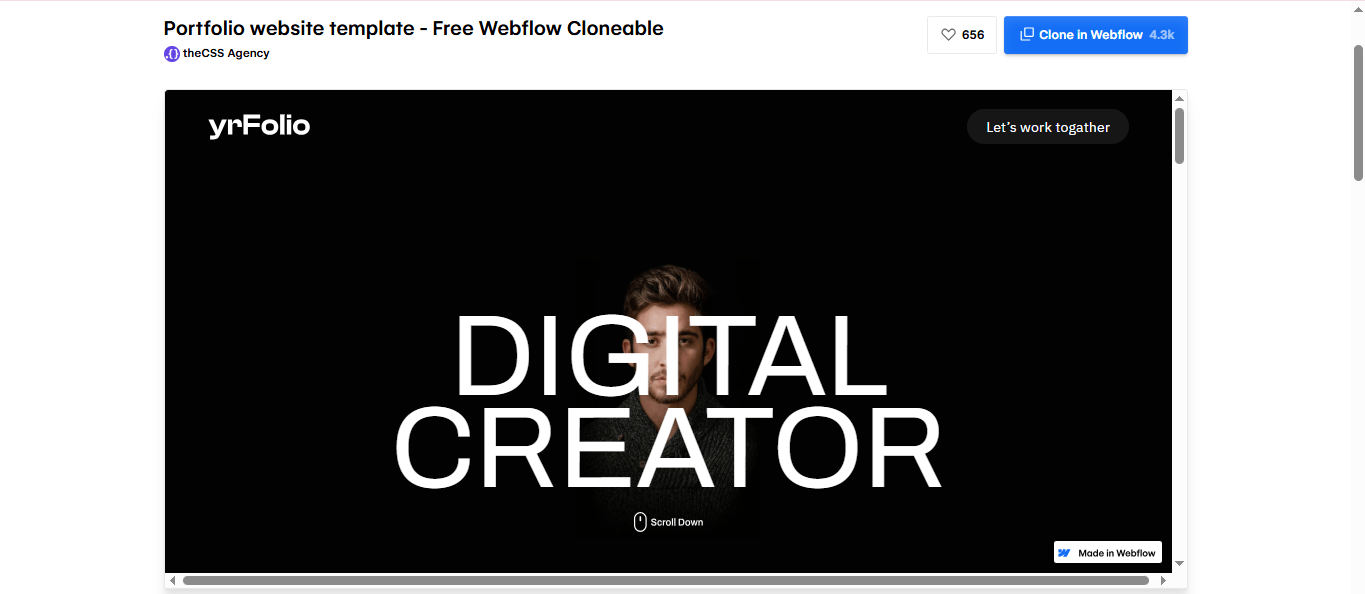
YrPortfolio
Designed by The CSS Agency, the YrPortfolio clone is a minimalist one-page portfolio designed specifically for freelancers, Webflow designers, photographers, and digital creators who want to showcase their work without unnecessary complexities. Instead of relying on heavy animations or multi-page navigation hierarchies, it focuses on presenting projects, client testimonials, and contact information in a single scrolling experience. The layout is intentionally content-first, allowing users to replace placeholder projects and branding without restructuring the design.
Why does it stand out?
- Packs all essential portfolio sections into a single-page layout, reducing navigation friction for potential clients
- Built entirely with native Webflow features, making it easy to customize without altering code
- Uses a clean, typography-driven design that keeps the spotlight on your projects rather than visual effects
Best for: Freelancers, Webflow designers, photographers, UI/UX designers, and creative professionals
Key features: One-page portfolio, responsive design, project showcase, testimonials, services section, contact CTA, and easy-to-edit content structure
Limitations: Doesn’t include CMS-powered case studies, blog functionality, or advanced portfolio filtering sections
Use case: Helps build a professional portfolio online quickly with a streamlined structure that highlights the best work and encourages potential clients to get in touch
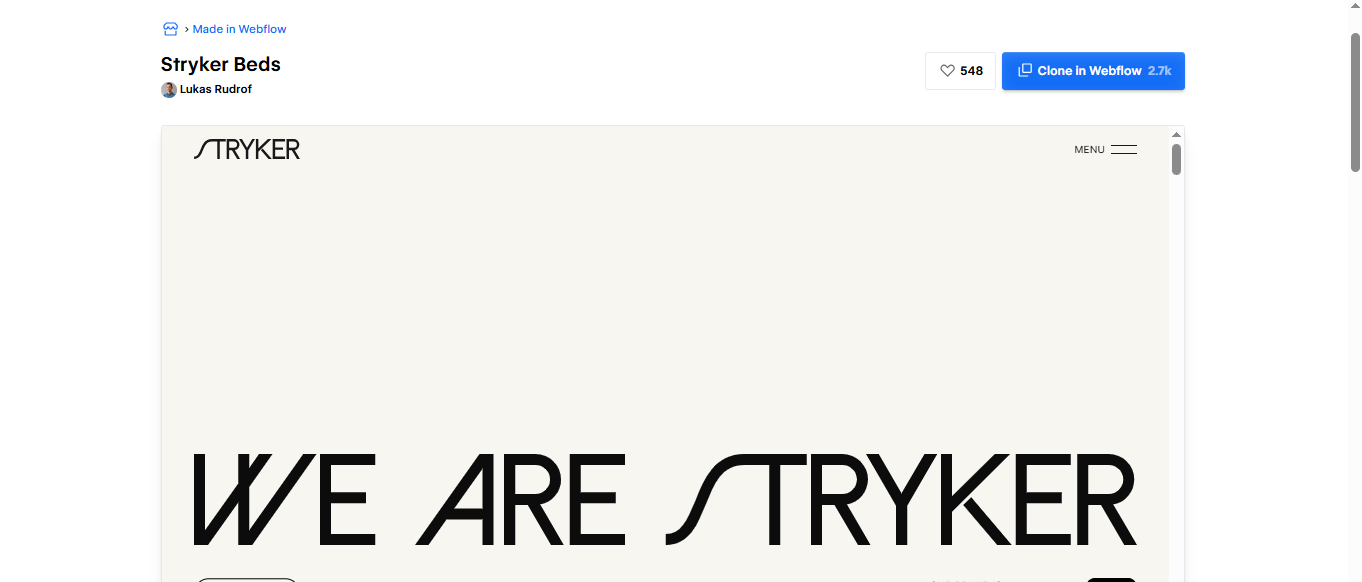
Stryker Beds
The Stryker Beds cloneable recreates a premium healthcare product website with a strong emphasis on visual storytelling and user interaction. It draws inspiration from Stryker’s medical bed product pages, thereby combining large product imagery, alternating content blocks, subtle scroll animations, and structured information hierarchy. This allows professionals to present technical products without overwhelming visitors.
Why does it stand out?
- Replicates the polished product storytelling commonly found on enterprise healthcare and manufacturing websites
- Demonstrates how alternating image-and-content layouts improve readability for specification-heavy product pages
- Uses subtle scroll animations and spacing instead of excessive motion, keeping attention on the product itself
Best for: Medical device manufacturers, industrial equipment suppliers, B2B technology companies, and enterprise product websites
Key features: Product showcase sections, specification layouts, responsive design, scroll interactions, image-focused content blocks, and clear call-to-action areas
Limitations: Built as a product landing page, so features like CMS-powered catalogs, blogs, and eCommerce will require additional development.
Use case: Ideal for companies launching premium products that need detailed feature explanations, technical specifications, and visually engaging product presentations
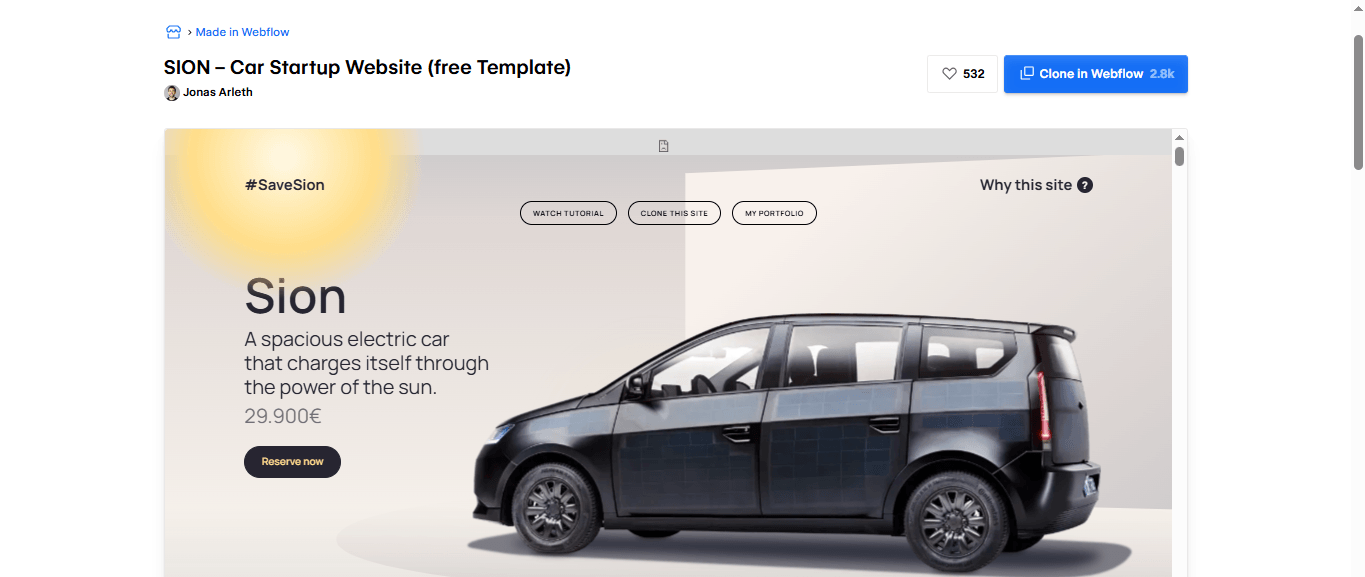
SION
The SION is a high-fidelity marketing website inspired by Sono Motors’ solar-powered Sion EV. Rather than functioning as a standard automotive landing page, it demonstrates how motion design, storytelling, and product education can work together cohesively to explain a complex product. Built as part of the #SaveSion campaign, the project recreates the customer journey using sticky sections, scroll-triggered animations, interactive product highlights, and immersive media.
Why does it stand out?
- Built around a real-world product campaign, demonstrating how interactive storytelling can increase engagement for technical products
- Features advanced effects, like sticky sections, scroll animations, 3D-inspired motion, and animated product showcases that go beyond standard Webflow interactions
- Supported by a complete 10-part tutorial series, allowing developers to understand and recreate every interaction from scratch
Best for: Automotive brands, EV startups, product launches, and premium technology landing pages
Key features: Scroll-driven storytelling, sticky product sections, hero animations, immersive media layouts, responsive interactions, and production-quality motion design
Limitations: Designed as a single-product showcase with no built-in CMS pages, eCommerce features, or multi-product functionality
Use case: Ideal for brands launching innovative products that require visual storytelling for feature explanation
How To Choose The Right Template
The best cloneable template isn’t always the most visually impressive one. Instead, it’s the one that aligns with your project’s goals, technical requirements, and long-term maintenance strategy. So, before you pick any from the list we mentioned above, evaluate the best fit based on the practical guide below.

- Start with your website type. A portfolio, SaaS landing page, eCommerce store, or documentation site all require different layouts and CMS structures.
- Review the project architecture. Look for organized class naming, reusable components, and responsive layouts that are easy to maintain.
- Check feature compatibility. Ensure the template supports the functionality you need, like CMS Collections, eCommerce, interactions, or scroll-triggered animations.
- Avoid over-customizing complex templates. If you plan to replace most of the design, choose a simpler foundation instead of rebuilding an elaborate one.
- Clone projects with clear documentation. Templates accompanied by tutorials or creator documentation are easier to customize and scale over time.
What Makes a Good Webflow Cloneable Template (2026 Criteria)
- A good Webflow cloneable template should offer a clean, reusable architecture with organized class naming, reusable components, and consistent styling. This makes customization easier, speeds up new page creation, and ensures the project remains maintainable as it grows.
- The template should use Webflow Variables for design tokens rather than relying on legacy class-based styling. Color, typography, spacing, and sizing values managed through Variables can be updated globally instead of edited class by class. Similarly, Components should use configurable Properties so teams can create layout variations without duplicating the original.
- It should provide a strong technical foundation for SEO and performance. Semantic HTML, responsive layouts, optimized assets, proper heading hierarchy, and fast-loading pages improve search visibility, user experience, and Core Web Vitals without requiring extensive technical work after cloning.
- The project architecture should be compatible with current Webflow platform capabilities, including Localization, the latest CMS enhancements, and native interaction features. Templates built before these features existed often carry legacy workarounds that add unnecessary complexity.
- Whether the cloneable is a full website, a single landing page, or a framework starter, the architecture should be easy to inspect, extend, and hand off to another developer without confusion.
Free Vs Paid Cloneable Templates (Reality Check)
While free cloneables are excellent for rapid prototyping and learning, they don’t always meet the requirements of a production website. Here’s a comparative study of them with premium Webflow templates.

Feature | Free Cloneable Templates | Paid Webflow Templates |
Cost | Free to clone and customize. | Typically range from $29–$129+, depending on complexity. |
Purpose | Learning, inspiration, MVPs, and quick prototypes. | Production-ready websites for businesses and commercial use. |
Pages Included | Often limited to one or a few pages. | Usually includes complete websites with multiple inner pages. |
CMS Structure | Basic or demonstration-level CMS implementation. | Well-planned CMS collections for blogs, portfolios, teams, and more. |
Design Quality | Varies by creator; some are experimental. | Professionally designed with consistent branding and UX. |
Support & Updates | Community-driven with no guaranteed support. | Includes developer support and, in many cases, ongoing updates. |
Customization | May require restructuring before production use. | Easier to adapt while maintaining a polished user experience. |
Best For | Students, freelancers, developers, and rapid prototyping. | Agencies, startups, ecommerce businesses, and enterprise websites. |
Common Mistakes To Avoid
Choosing a cloneable template can save significant development time. However, it’s only when you use it strategically. So, avoid these below mentioned common mistakes to prevent unnecessary redesigns, technical debt, and maintenance challenges later.
- Choosing based on aesthetics alone: A visually impressive template may lack the CMS structure, scalability, or features your project truly requires
- Ignoring the project architecture: Disorganized classes, inconsistent naming, and poor component structure will make future updates difficult
- Overlooking licensing or creator guidelines: Some cloneables include assets or fonts with separate usage restrictions; ignoring them can create licensing issues
- Using animation-heavy templates unnecessarily: Complex interactions can impact performance if they don’t add value to customer experience
- Not testing responsiveness: Always review layouts across desktop, tablet, and mobile breakpoints before going live
Conclusion
Free cloneable Webflow templates help you launch websites faster, learn advanced development techniques, and reduce initial design effort. Whether you choose a framework starter or a production-ready layout, prioritize clean architecture, scalable structure, and project fit over visual appeal. The right cloneable should simplify development today while making future updates and growth easier.
Need a custom Webflow website instead of a template?
Move beyond pre-built templates with a custom Webflow website designed for your business. Quixta creates scalable, high-performance Webflow websites tailored to your brand, goals, and growth strategy.
FAQs
A Webflow template is a premium, production-ready website available through the Webflow Template Marketplace. It includes multiple pages, documentation, creator support, and regular updates. A Webflow cloneable is a free project shared in Made in Webflow that anyone can copy into their workspace. Cloneables are often created to showcase layouts, interactions, animations, CMS structures, or development techniques.
To clone a Webflow project, open its Made in Webflow page and click Clone in Webflow. After signing in, choose the destination workspace where you want to save the project. The cloneable will be added to your dashboard with its pages, styles, assets, interactions, and CMS structure. You can then customize the design, replace content, add new pages, or integrate it into an existing Webflow project.
Yes. After cloning a project into your Webflow workspace, you can edit virtually every aspect of it, including layouts, colors, typography, animations, CMS Collections, components, and interactions. Many developers also copy individual sections, like navigation menus, pricing tables, or animated heroes, into existing projects. This way, they don’t have to use the entire template, making cloneables highly flexible for different workflows.
Some cloneables include fully configured Webflow CMS Collections for blogs, portfolios, directories, or case studies, while others focus on layouts, animations, or UI components. Ecommerce functionality is available in certain cloneables but isn’t standard across all projects. So, always review the template description to confirm whether it includes CMS Collections, dynamic pages, eCommerce products, or other features required for your website.
The largest collection of free Webflow cloneables is available in Made in Webflow, where community creators, agencies, and Webflow experts publish projects for public use. You can browse templates by category, industry, creator, or feature, including SaaS websites, portfolios, eCommerce stores, CMS projects, design systems, animations, and interactive components.