
TLDR
- Webflow is a strong choice for marketing websites, content publishing, and lead generation. Most businesses do not need to move beyond it. The platform includes visual development, managed hosting, a built-in CMS, and native SEO tools that cover the majority of B2B and SaaS website needs.
- Webflow hits its architectural limits when a business needs custom backend logic, authenticated user portals, complex system integrations, or infrastructure-level performance control. These are not feature gaps that plugins or workarounds can fill. They are boundaries built into how the platform works.
- The clearest sign you have outgrown Webflow is when your team spends more time building workarounds with third-party tools than it would take to build the feature properly on a custom stack, or when your CMS workarounds are multiplying faster than your content.
- A custom build typically uses Next.js or Nuxt.js on the frontend, a headless CMS like Directus, Strapi, or Sanity for content, and Django, Laravel, or Node.js for backend logic, with hosting on infrastructure you control. Not everything needs to move at once; many businesses migrate application features first while keeping marketing pages on Webflow during the transition.
- Custom website development costs more upfront ($3,600 to $12,000+ vs $600 to $2,400 for Webflow) but typically breaks even within 18 to 24 months for businesses where the website generates revenue or powers daily operations, because it eliminates the growing cost of third-party tool stacks, workaround development, and eventual re-platforming.
Webflow handles marketing websites, content publishing, and lead generation better than most platforms. But it is a website platform, not an application platform. When a business needs custom backend logic, authenticated user experiences, deep system integrations, or infrastructure-level performance control, Webflow’s strengths become constraints that workarounds cannot solve sustainably.
The real question is not whether Webflow is good. It is whether your business still operates within what the platform is designed to handle, or has already grown past it. This guide covers the 6 architectural limits built into Webflow, the 6 clearest signals that your business has hit them, what a custom build looks like after Webflow (including the typical tech stack and a phased migration approach), and how the costs compare over three to five years, so you can make the decision before the workarounds become more expensive than the transition. If you're still comparing Webflow against other platforms, our guide on Webflow vs WordPress vs Framer covers that decision in detail.
What Webflow Does Well
Before evaluating Webflow limitations, it's worth being clear about where the platform genuinely excels. Webflow isn't a tool businesses outgrow because it's weak. They outgrow it because their needs expand beyond what any managed website platform is designed to handle.
1. Marketing website development
Webflow's visual development model lets teams design, build, and launch responsive websites without writing code. The Designer generates clean HTML, CSS, and JavaScript, and the output is hosted on a global CDN with built-in caching. For marketing sites, landing pages, and content-driven experiences, this workflow is hard to beat. This is the core use case in our guide to Webflow development for B2B and SaaS founders.
2. Content management
The Webflow CMS handles blogs, case studies, resource libraries, team directories, and portfolio pages through Collections, Reference fields, and dynamic templates. Marketing teams can publish and update content without developer involvement. For businesses with up to a few hundred CMS items, the system is efficient and well-structured.
3. SEO and performance
Meta titles, descriptions, Open Graph tags, custom URLs, 301 redirects, XML sitemaps, schema markup, and image optimization are all native. Combined with managed hosting and clean code output, Webflow sites typically score well on Core Web Vitals without extensive performance tuning. Learn more about the advantages of using Webflow for SEO in our blog, "Is Webflow Good For SEO? An Honest Perspective".
4. Low maintenance overhead
Hosting, security, SSL, backups, and platform updates are handled automatically. There are no plugins to update, no servers to configure, and no security patches to manage. This reduces the ongoing cost and technical burden compared to self-hosted platforms.
For businesses where the website's job is to attract visitors, communicate value, generate leads, and publish content, Webflow handles these responsibilities well and will continue to do so for years.
Where Webflow Hits Its Limits
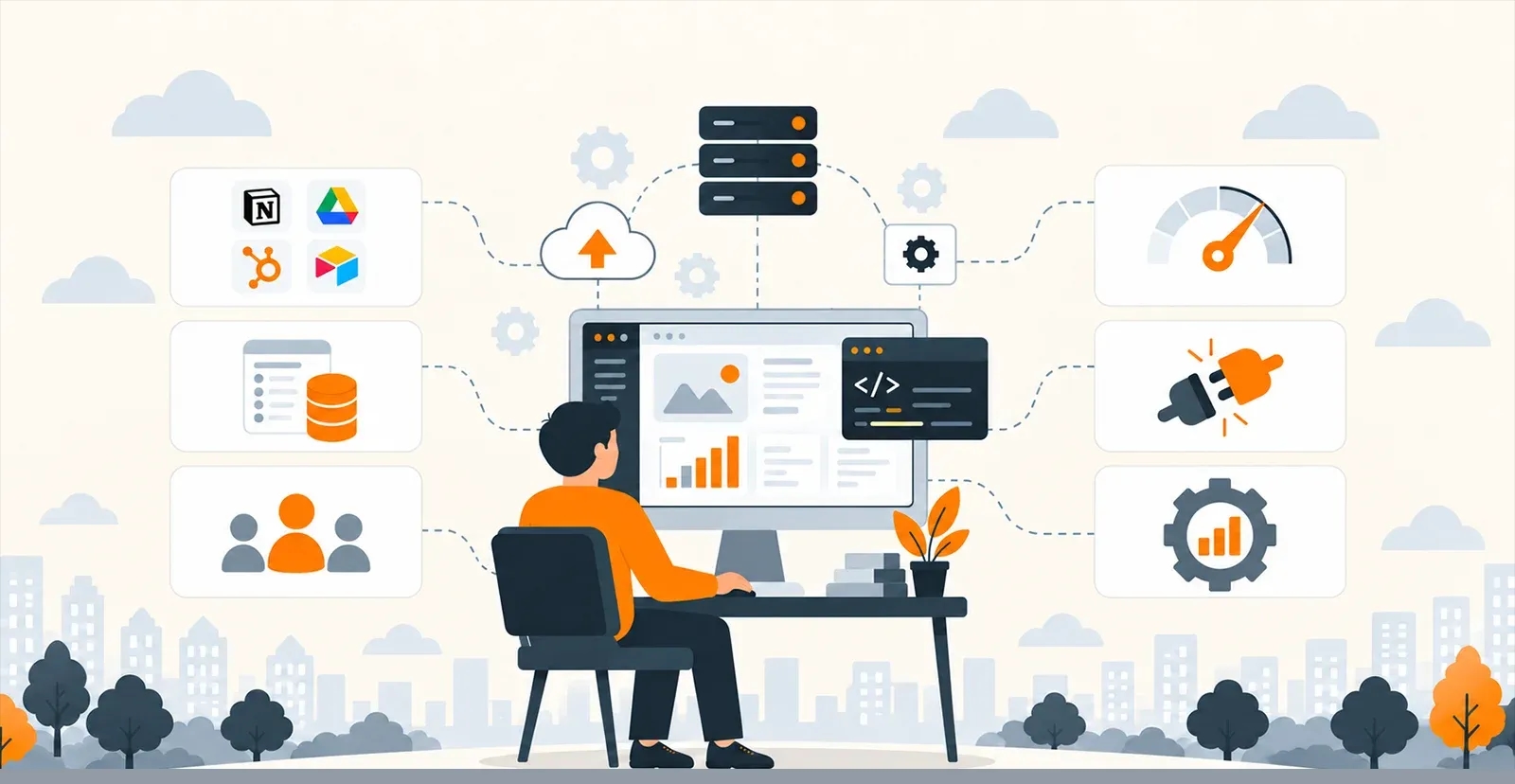
Webflow limitations become visible when the business needs the website to do more than market and publish. These aren't design complaints or feature requests. They're architectural boundaries built into how the platform works.
1.No custom backend logic
Webflow doesn't support server-side code. If the business needs custom calculations, proprietary algorithms, multi-step approval workflows, conditional form routing based on business rules, or real-time data processing, there's no way to build that within Webflow. You can connect external services through Zapier, Make, or custom APIs, but the logic lives outside the platform, creating dependencies you don't fully control.
2. CMS architectural constraints
Webflow's CMS has a 40-Collection limit per project. Reference and Multi-Reference fields connect content types, but relationships are limited compared to a relational database. For businesses with complex content models involving hundreds of interconnected entities across products, services, locations, providers, and taxonomies, the CMS starts requiring workarounds that add fragility. Nested dynamic content and conditional CMS rendering also have constraints that force layout compromises. For details on item limits and reference fields, see where Webflow CMS breaks.
3.No authenticated user experiences
Webflow doesn't natively support user login, roles, permissions, or gated content based on user identity. Memberships, customer portals, personalized dashboards, and secure account areas require third-party tools like Memberstack or Outseta. These work for basic use cases but introduce another vendor dependency, another subscription, and another layer where things can break.
4. Limited Webflow scalability for application-level needs
Webflow scales well for content-driven websites with high traffic. But application-level scalability, where thousands of concurrent users interact with dynamic, personalized, real-time content, requires infrastructure control that Webflow's managed hosting doesn't expose. You can't tune database queries, implement custom caching strategies, configure edge computing, or optimize server response times at the infrastructure level.
5. Integration depth is bounded
Webflow connects with external services through its API, webhooks, and third-party middleware. For simple integrations like CRM form submissions, analytics, or email marketing, this works. For complex two-way data flows with ERPs, proprietary systems, inventory management, or industry-specific software requiring real-time synchronization, authentication, and error handling, the integration layer needs custom backend development that Webflow can't host.
6. E-commerce limitations
Webflow E-commerce covers basic product catalogs and checkout flows. Businesses needing complex pricing logic, subscription models, custom checkout experiences, multi-currency support at scale, or integration with fulfillment and inventory systems will find the native e-commerce functionality restrictive.
None of these make Webflow a bad platform. They make it a platform with a defined scope. The question is whether your business operates within that scope or has grown beyond it.
6 Signs It's Time to Move Beyond Webflow
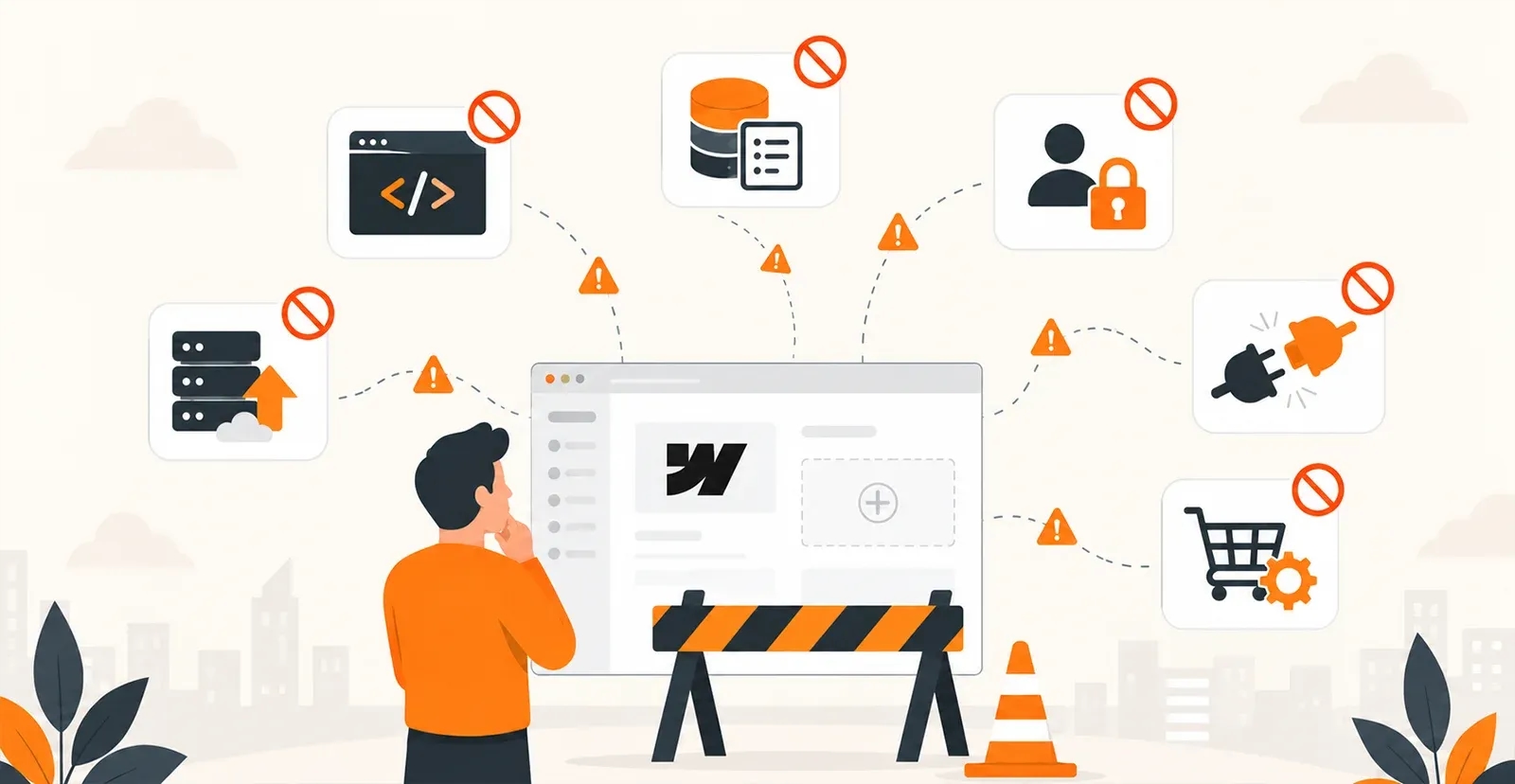
Recognizing when to move beyond Webflow matters because the transition costs increase the longer you delay. Here are the signals that the Webflow vs custom development decision has become relevant for your business.
1. You're chaining multiple third-party tools to get basic functionality
Your website depends on Memberstack for authentication, Jetboost for search, Zapier for form routing, Airtable for data storage, and two other services to approximate what a single custom feature would handle. Each tool adds a subscription, a potential point of failure, and a dependency you don't control.
2. Your CMS workarounds are multiplying
You've created duplicate Collections to get around Reference field limitations. Static pages replace dynamic templates because the CMS can't support the content relationships you need. Your content team spends more time working around the CMS than publishing content through it. Although not every workaround means leaving the platform, sometimes the better move is to rebuild your Webflow site with a cleaner structure.
3. You need user-specific experiences
The business requires customer portals, account dashboards, role-based access, personalized content, or secure workflows tied to individual users. Third-party authentication tools handle basic use cases, but the experience feels bolted on rather than integrated.
4. Performance needs exceed what managed hosting can deliver
You've optimized images, deferred scripts, and simplified interactions, but the site still doesn't meet your performance targets under real-world traffic conditions. You need control over server configuration, caching strategy, and infrastructure scaling that Webflow's managed environment doesn't expose.
5. Internal systems need direct integration
Your ERP, proprietary CRM, inventory system, or industry software needs real-time two-way data exchange with the website. Middleware tools add latency, failure points, and maintenance overhead that a direct integration wouldn't.
6. The website has become a business operation, not just a marketing asset
The site powers booking systems, client workflows, internal dashboards, or transaction processing. When the website is central to daily operations, platform constraints create direct business problems, not just development inconveniences.
What Custom Website Development Looks Like After Webflow
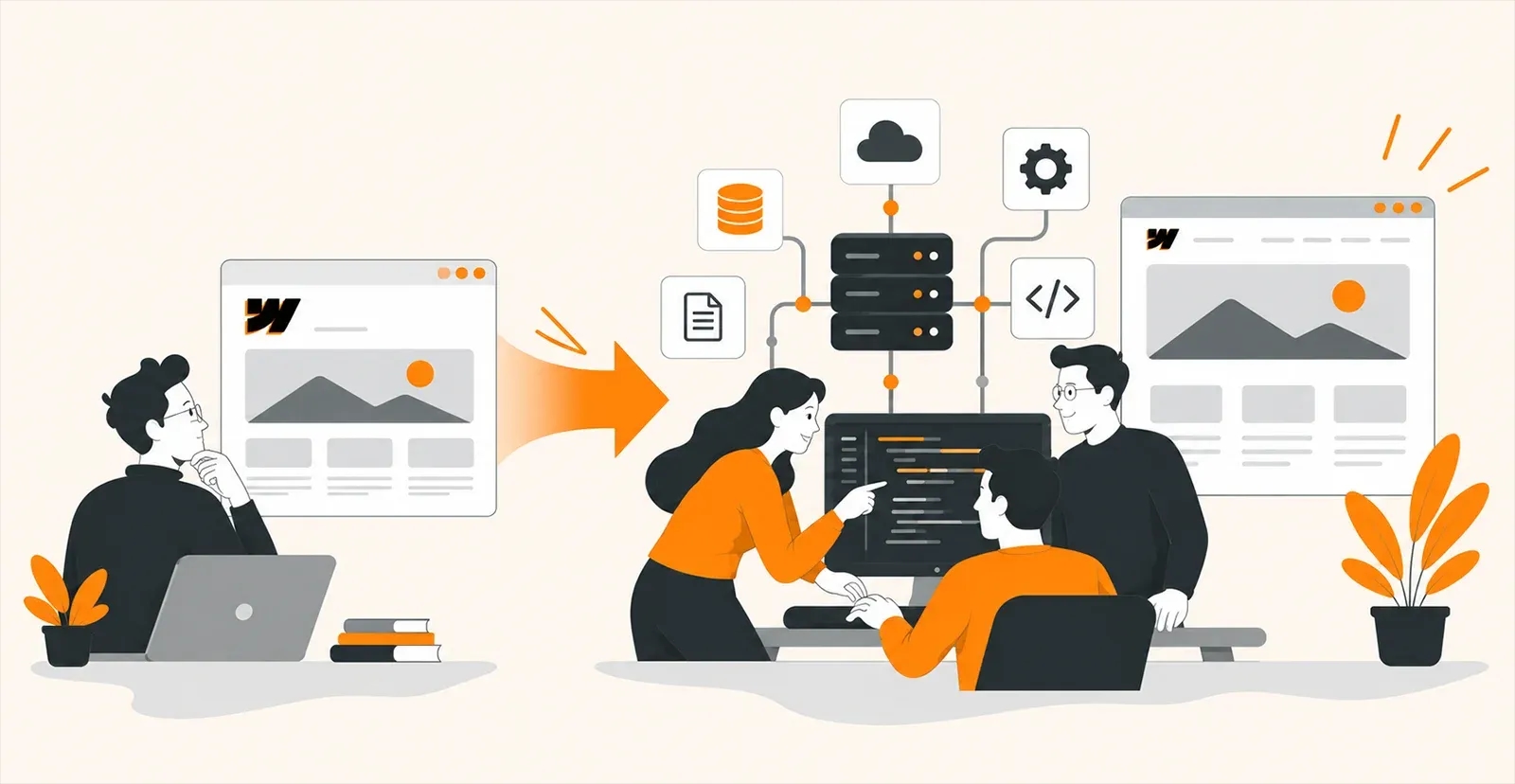
A Webflow to custom migration doesn't mean rebuilding everything from scratch. It means replacing the parts that Webflow can't handle while preserving what it does well.
Typical tech stack
A custom build usually involves a frontend framework like Next.js or Nuxt.js for the visitor-facing experience. Content management shifts to a headless CMS like Strapi, Directus, Sanity, or Contentful, which gives editors a familiar publishing interface while keeping the frontend flexible. Backend application logic runs on Django, Laravel, or Node.js depending on the business requirements. Hosting runs on AWS, Vercel, Hetzner, or dedicated infrastructure chosen for performance, compliance, and cost.
What changes
The frontend is rebuilt on a framework that supports custom application logic, dynamic user experiences, and direct API connections. The backend is built around your specific workflows, integrations, and data models. Hosting moves to infrastructure you control.
What stays familiar
Content editors still publish through a CMS interface. The design system carries over. SEO equity is preserved through proper URL mapping and redirects. The marketing team's workflow doesn't disappear. It migrates to a more capable system.
Phased approach
Not everything needs to move at once. Many businesses migrate the application-level features to a custom build first while keeping marketing pages on Webflow during the transition. This reduces risk and lets the team validate each phase before continuing.
Cost Comparison: Webflow vs Custom Development
The Webflow vs custom development cost comparison isn't just about the build price. It's about what the business spends over three to five years, including maintenance, integrations, third-party tools, and the workarounds that accumulate when the platform can't do what the business needs.
Cost Factor | Webflow | Custom Development |
Initial Build | ₹50,000-₹2,00,000 (~$600-$2,400) | ₹3,00,000-₹10,00,000+ (~$3,600-$12,000+) |
Annual Maintenance | ₹10,000-₹50,000 (~$120-$600) | ₹50,000-₹2,00,000 (~$600-$2,400) |
Hosting | Included (₹20,000-₹45,000/yr) | ₹20,000-₹2,00,000+/yr (~$240-$2,400+) |
Third-Party Tools | ₹5,000-₹30,000/yr (Memberstack, Jetboost, etc.) | Minimal (built into the codebase) |
Migration Cost | -- | ₹1,50,000-₹5,00,000+ (~$1,800-$6,000+) |
USD estimates are approximate. Ranges reflect business-grade implementations.
Custom development costs more upfront. The long-term advantage appears when the business would otherwise spend on growing third-party tool stacks, workaround development, performance remediation, and eventual re-platforming. For businesses where the website generates revenue or powers operations, the custom build typically breaks even within 18 to 24 months.
For businesses whose needs stay within Webflow's scope, the platform remains the more cost-effective choice. The decision isn't about which option costs less in isolation. It's about which option costs less for what your business actually needs.
Conclusion
Webflow is a strong platform with a defined scope. It handles marketing websites, content publishing, SEO, and lead generation better than most alternatives. But when the business needs custom backend logic, authenticated user experiences, deep system integrations, or infrastructure-level control, Webflow limitations become architectural constraints that workarounds can't solve sustainably.
The Webflow vs custom development decision comes down to whether your business operates within the platform's scope today and will continue to do so over the next three to five years. If the answer is yes, Webflow remains the right choice. If the business is already hitting the limits described in this guide, planning the transition now is cheaper than waiting until the workarounds become unmanageable.
Building Beyond Webflow? Quixta Can Help You Plan the Transition
Quixta builds on both Webflow and custom tech stacks using Next.js, Django, and headless CMS platforms. If you're not sure whether your business has outgrown Webflow or how to plan a Webflow-to-custom migration without losing SEO equity and marketing velocity, we can help you evaluate the options and scope the right approach.
Frequently Asked Questions
Businesses outgrow Webflow when they need functionality the platform can't support natively: custom backend logic, authenticated user experiences, complex system integrations, or infrastructure-level performance control. The clearest signal is when the team spends more time building workarounds with third-party tools than it would take to build the feature properly on a custom stack.
Webflow for enterprise works well when the website's primary function is marketing, content publishing, and lead generation. Enterprise marketing teams benefit from the visual editor, managed hosting, and publishing speed. Webflow becomes limiting for enterprise use cases that require custom portals, application logic, complex integrations with internal systems, or user authentication beyond what third-party tools provide.
A typical custom stack includes Next.js or Nuxt.js for the frontend, a headless CMS like Strapi, Directus, or Sanity for content management, and Django, Laravel, or Node.js for backend logic and APIs. Hosting runs on AWS, Vercel, or dedicated servers. The specific stack depends on your performance requirements, integration needs, and team expertise.
A focused migration of a 30-50 page Webflow site with moderate complexity typically takes 12 to 20 weeks. Larger sites with extensive CMS content, multiple integrations, and custom application requirements can take 6 months or longer. A phased approach, where custom features launch first while marketing pages stay on Webflow temporarily, reduces risk and spreads the timeline.
Not if the migration is planned properly. Every existing URL needs a one-to-one 301 redirect to its equivalent on the new site. Metadata, structured data, internal links, and XML sitemaps need to be migrated. Monitor Google Search Console for indexing issues and ranking changes after launch. The most common mistake is redirecting all old pages to the homepage instead of mapping each one individually.
Yes. Some businesses keep their marketing pages, blog, and content on Webflow while running custom-built application features like portals, dashboards, or booking systems on a separate stack. This hybrid approach lets the marketing team keep Webflow's publishing speed while the development team builds the functionality that Webflow can't handle.
Budget for developer time covering bug fixes, feature additions, and security patches, plus hosting, framework updates, and periodic security audits. A reasonable benchmark is 15-25% of the initial build cost annually. Unlike Webflow, platform updates aren't automatic, so this is a real line item. The trade-off is full control over the technology and no third-party tool subscriptions replacing functionality your codebase handles natively.
The biggest risk is overbuilding. Custom development should solve specific problems Webflow can't handle. Rebuilding features that Webflow already delivers well, like content publishing, responsive layouts, or basic lead generation, wastes budget and timeline. The second risk is documentation: if the custom codebase isn't well-documented, future developers will struggle to maintain it, creating the same kind of lock-in you were trying to escape.

.jpg&w=3840&q=75)